
Learning how to do accounting for a small business comes down to seven steps: separate your business and personal finances, create a budget, choose an accounting method, set up a chart of accounts, track revenue and expenses, make monthly reports, and stay on top of tax filing.
Clean books from day one make tax season easier and give investors numbers they can trust. With Print on Demand, there’s zero upfront investment and no inventory risk, so you skip stock counts entirely.
Key takeaways
-
Open a dedicated business bank account to keep personal and business finances separate.
-
Cash basis accounting keeps new stores simple, while accrual suits brands with credit terms or investors.
-
A chart of accounts sorts every transaction into assets, liabilities, equity, revenue, or expenses.
-
Save a digital copy of every receipt and keep records for at least three years.
-
Review your income statement, balance sheet, and cash flow statement every month.
What are small business accounting and bookkeeping?

Small business accounting and bookkeeping work together to track and interpret your company’s money. Bookkeeping records the numbers, and accounting explains them.
Bookkeeping
Small business bookkeeping is the day-to-day work of recording financial transactions, such as sales, refunds, bills, and fees, so your financial records stay accurate and current. Say a customer orders a custom t-shirt and you’re charged $12 to fulfill it. Bookkeeping means logging that cost with the date, amount, vendor, and category. Skip it, and every report you build later rests on guesswork.
Accounting
Accounting turns the financial data in your books into answers you can act on. This part of the accounting process means summarizing, analyzing, and reporting your income and expenses to judge your business’s financial health. At month end, for example, you might compare $3,000 in revenue with $1,900 in product costs, fees, and ads. That’s a 37% margin, which tells you whether to raise prices or trim ad spend.
Why accounting matters for your small business
Accurate financial records pay off well before tax season. Here’s what accounting and bookkeeping help you do.
Make better decisions
Your numbers show where money comes in, where it goes, and how much cash you have left each month. That view of your business finances helps you spot which products earn the best margins, which ad channels pay off, and when it’s safe to reinvest.
Tracking expenses and cash flow also warns you early when bills start to outpace sales. You’ll have time to adjust prices or cut costs before a slow month turns into a real problem.
Prepare for tax time
Tax season goes faster when your bookkeeping system is already up to date. Every business expense you record and categorize correctly is one you can back up when you claim tax deductions. The IRS lets you deduct costs that are both ordinary and necessary for your trade, including platform fees, advertising, and design software.
If you hire a CPA, organized records can mean less time spent sorting receipts and a lower tax preparation bill.
Create financial reports
The three key financial reports are the income statement, the balance sheet, and the cash flow statement. Together, they show your profit, what the business owns and owes, and how cash moves in and out. Reviewing them monthly gives you a clear read on your company’s financial health.
These statements form the core of financial accounting, and banks and investors ask for them too. They use them to judge your financial position before approving a loan or putting money in.
Can you do your own small business accounting?
Yes, you can do your own small business accounting, especially early on when your transactions are simple and your budget is tight.
DIY bookkeeping
Many small business owners start out doing the books themselves. Handling your own bookkeeping costs little more than your time. A spreadsheet or free bookkeeping software covers the basics for a new store.
The catch is accuracy. Accounting software only reports what you enter, and one miscategorized expense or missed refund can throw off your financial records and tax returns. Block out an hour each week for bookkeeping tasks to keep errors from piling up.
Using an external bookkeeper
Hiring a bookkeeper makes sense once the books start eating into time you’d rather spend on products and marketing. A part-time or freelance bookkeeper can handle recording transactions, reconciling bank statements, and preparing monthly reports.
Handing off the work doesn’t mean tuning out, though. Review your reports each month and ask questions when a number looks off. You’re still responsible for what goes on your tax returns.
When to bring in a CPA
A CPA earns their fee once your taxes get more complex. Your business structure is the first trigger. Sole proprietors and single-member LLCs report profit on Schedule C of a personal tax return, while S corporations file Form 1120-S and must pay working owners a reasonable salary subject to payroll tax. Revenue is the second. Once your sales into a single state pass $100,000, most states require you to register and collect sales tax there.
7 Steps to do accounting for your small business

Whether you keep your books in a spreadsheet or in accounting software, these seven steps give you a bookkeeping system that holds up at tax season and in front of investors.
1. Separate business and personal finances
Open a dedicated business bank account and run every business transaction through it. Keeping business and personal finances apart does three things.
-
Personal asset protection. Separate business banking offers limited personal liability protection, according to the SBA.
-
Cleaner audit trail. Every charge on your bank statements belongs to the business, which speeds up reconciliation.
-
Business credit. A business account helps your company build its own credit history.
Need money for personal bills? Move it to your personal account as an owner’s draw first. S corporation owners who work in the business pay themselves a salary.
2. Create your budget
A monthly budget tells you how much you can spend before sales come in and what each order needs to earn. For a print-on-demand store, plan around five cost lines.
-
Product cost, the base price per item shown on Printful pricing
-
Shipping to your customers
-
Platform fees, which you can estimate with tools like the Etsy fee calculator
-
Ads and other marketing
-
Design costs like software, fonts, or freelance help
Compare the total against expected monthly income and adjust before you spend.
3. Choose an accounting method
Every accounting method has two parts. Your entry system decides how you record transactions, and your accounting basis decides when you record them.
A single-entry system records each transaction once, as money in or money out. A $25 t-shirt sale is one line of income, and a $12 fulfillment charge is one line of expense. It works like a checkbook register and suits a new store with simple books.
Double-entry bookkeeping records every transaction in two accounts. Each entry has a debit in one account and an equal credit in another, which keeps your books balanced and helps you catch errors early. It’s the standard for balance sheets and investor-ready records, and most accounting software handles it automatically.
Cash basis accounting records income when money reaches your account and expenses when you pay them. It’s simple, matches your bank balance, and works well for a solo store paid at checkout.
Accrual basis accounting records income when you earn it and expenses when you incur them, even if no money has moved yet. If you invoice wholesale buyers on 30-day terms or buy from suppliers on credit, accrual accounting shows your real financial position. It also tracks accounts payable and receivable, the money you owe and the money owed to you. Investors and lenders often expect accrual-based statements.
|
|
Cash basis |
Accrual basis |
|
Revenue recorded |
When payment reaches your account |
When you make the sale or send the invoice |
|
Expenses recorded |
When you pay the bill |
When you receive the bill or incur the cost |
|
Best for |
Solo sellers and new stores paid at checkout |
Brands with wholesale accounts, credit terms, or investors |
|
IRS rules (2026) |
Available at or under $32 million in average annual gross receipts |
Required for C corporations and some partnerships above $32 million |
4. Set up your chart of accounts
A chart of accounts is the list of categories you sort every transaction into. It keeps your books consistent and feeds directly into your financial reports. Every chart uses five buckets.
-
Assets are what the business owns, like cash and money customers owe you.
-
Liabilities are what it owes, such as credit card balances or sales tax you’ve collected.
-
Equity is your stake, including money you’ve invested and profit kept in the business.
-
Revenue is income from sales.
-
Expenses are the costs of running the store.
Here’s a simple version for anyone starting a clothing brand.
|
Account type |
Sample accounts |
|
Assets (1000s) |
1000 Business checking, 1010 PayPal or Stripe balance, 1100 Accounts receivable |
|
Liabilities (2000s) |
2000 Business credit card, 2100 Sales tax payable, 2200 Business loan |
|
Equity (3000s) |
3000 Owner’s contributions, 3100 Owner’s draw, 3200 Retained earnings |
|
Revenue (4000s) |
4000 Product sales, 4100 Shipping income, 4200 Refunds and returns |
|
Expenses (5000s+) |
5000 Cost of goods sold (fulfillment), 6000 Platform and payment fees, 6100 Advertising, 6200 Design software, 6300 Product samples |
5. Track your revenue and expenses, and keep the receipts
Recording financial transactions as they happen is the core of your bookkeeping. Every sale, refund, ad charge, and fulfillment bill needs an entry. A spreadsheet, a notebook, or bookkeeping software all work, as long as each entry includes five details.
-
Date of the transaction
-
Amount
-
Who it was with (customer, vendor, or platform)
-
What it was for
-
Which account it belongs to in your chart of accounts
At month end, match your entries against your bank and credit card statements. This bank reconciliation catches missed or doubled entries.
Receipts prove each entry is real and back up your tax deductions if the IRS asks. Scan or photograph paper receipts and store them in a cloud folder or your accounting software. The IRS generally asks you to keep records for at least three years after filing, and up to seven years in some cases.
6. Make a monthly report
End each month by pulling three financial statements that show your store’s financial health.
Also known as a profit and loss statement, the income statement lists your revenue and expenses for a set period and shows whether you made a profit or a loss. Accounting software can generate it in a few clicks if your records are current. Compare each month against the last few to spot trends early, like rising ad costs or a product that’s slowing down.
Your balance sheet shows your business’s financial position on a single date. Assets are everything the business owns, including cash. Liabilities are what you owe, like credit card balances and sales tax collected but not yet paid. Equity is what’s left for you as the owner. Assets always equal liabilities plus equity, which is how you know the books balance.
A cash flow statement tracks how cash moves in and out of your business over a period. It splits activity into operating (day-to-day sales and costs), investing (equipment or other long-term purchases), and financing (loans, owner contributions, and draws). A store can show a profit and still run short of cash. This report shows you why and helps you manage cash flow before bills come due.
7. Know your tax filing obligations
Your business structure decides which return you file. Sole proprietors and single-member LLCs report profit on Schedule C, partnerships file Form 1065, and S corporations file Form 1120-S. Self-employed owners also pay a 15.3% self-employment tax once net earnings reach $400. You’ll need to make quarterly estimated tax payments if you expect to owe $1,000 or more at filing time.
Sales tax works differently since each state sets its own rules and thresholds. For full tax compliance, check with a CPA in your state to confirm what applies to your store.
Best accounting software for small business bookkeeping
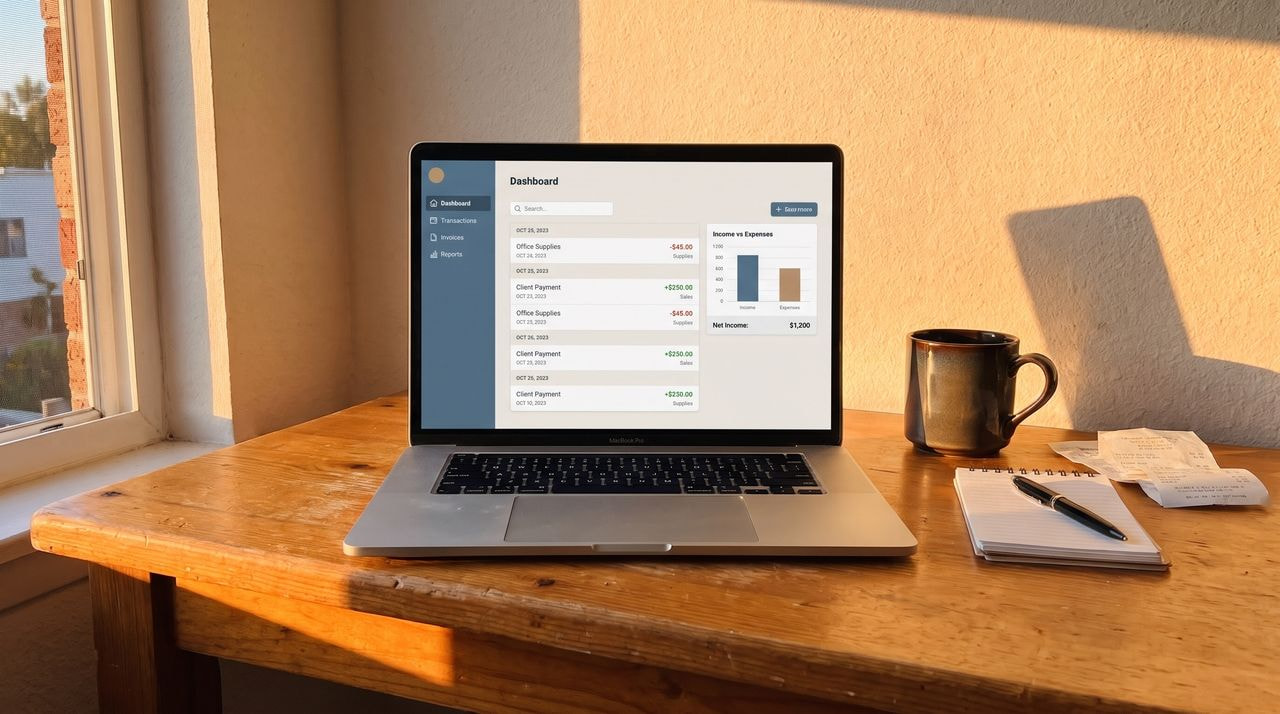
Small business accounting software automates bookkeeping tasks like recording transactions, reconciling bank accounts, and generating financial reports. The four tools below suit different budgets and stages, and a spreadsheet option rounds out the list.
Wave
Wave is ideal for new sellers who want free double-entry bookkeeping. The Starter plan covers invoicing, expense tracking, bank connections, and core reports like the income statement and balance sheet. Upgrading to Pro adds automatic bank transaction imports, receipt scanning, and human support.
Price: $19/month or $190/year; free plan is available
FreshBooks
FreshBooks works for brands that send invoices, such as those selling wholesale or offering custom design work. It’s built around invoicing, expense tracking, and time tracking. The Lite plan limits billable clients to five, which matters once wholesale accounts grow.
Price: $4.60-$14/month
QuickBooks
QuickBooks Online suits brands preparing for investors, lenders, or an outside accountant. The Simple Start plan handles double-entry accounting, bank reconciliation, and detailed financial reports. Third-party apps like A2X connect it to Shopify, Amazon, and Etsy.
Price: $19-$170/month
Xero
This bookkeeping software suits growing brands that want to add a bookkeeper or team members without paying per seat. Every plan includes unlimited users, bank reconciliation, and reporting, and its app marketplace connects it to eCommerce platforms. The Starter plan caps invoices at 20 and bills at five per month.
Price: $7-$82/month
How to do bookkeeping for small business in Excel
A spreadsheet works for a new store with a handful of orders each month. Sellers can log cash business transaction entries in columns for date, amount, vendor or customer, description, and account, matching the five details from step 5. A SUMIFS formula totals each account by month, which is enough for basic financial reports like a monthly income statement.
The trade-off is manual entry. Spreadsheets don’t pull in bank feeds or flag errors, and the workload climbs as the business grows.
Common small business accounting mistakes to avoid
These slip-ups are common among many small business owners, and each one is easy to prevent once you know to look for it.
-
Mixing personal and business finances. Paying for groceries from the business account blurs your records and can weaken an LLC’s liability protection. Keep a dedicated business account and move money out through the owner’s draws.
-
Letting receipts pile up. A stack of unsorted receipts means hours of guesswork at tax season. Snap a photo and file each one the day you buy something.
-
Miscategorizing costs. Logging a fulfillment charge as advertising, or a personal purchase as a business expense, distorts your margins and raises questions in an audit. Match every entry to an account in your chart of accounts.
-
Ignoring sales tax. Marketplaces like Etsy and Amazon generally collect sales tax for you. On your own website, that responsibility shifts to you once you pass a state’s sales threshold.
-
Skipping bank reconciliation. Duplicate charges, missed refunds, and fraud can go unnoticed for months if you never compare your books against your bank and credit card statements.
-
Switching accounting methods mid-year. Moving between cash and accrual partway through the year muddles your reports. Changing the method you use for taxes also generally requires filing Form 3115 with the IRS.
How selling with Printful keeps your books simple
Print on Demand removes the hardest parts of small business accounting. Printful produces each item after a customer orders it, which means there’s no stock to buy upfront, count at year end, or write off when a design stops selling.
Your product cost only appears when an order comes in, and that timing helps you manage cash flow. Each order pairs with one Printful charge, and your books come down to income and clean per-order costs. Margins are easy to read, and the balance sheet carries no inventory.
Signing up is free, there are no minimum orders, and Printful connects to platforms like Shopify, Etsy, and TikTok Shop. Ready to set up shop? Follow our guide on how to start an online store with Printful.